 InfiniBot CLOUD

Droid Swarm
InfiniBot First-party
Run a rack of Android phones from one console — devices, accounts, workflows and egress routes.
appsSelf-hosted only$49
Add pages, agent tools, integrations and whole apps to InfiniBot. Every plugin and every update is reviewed before it is listed, and each one tells you exactly which permissions it asks for.

InfiniBot First-party
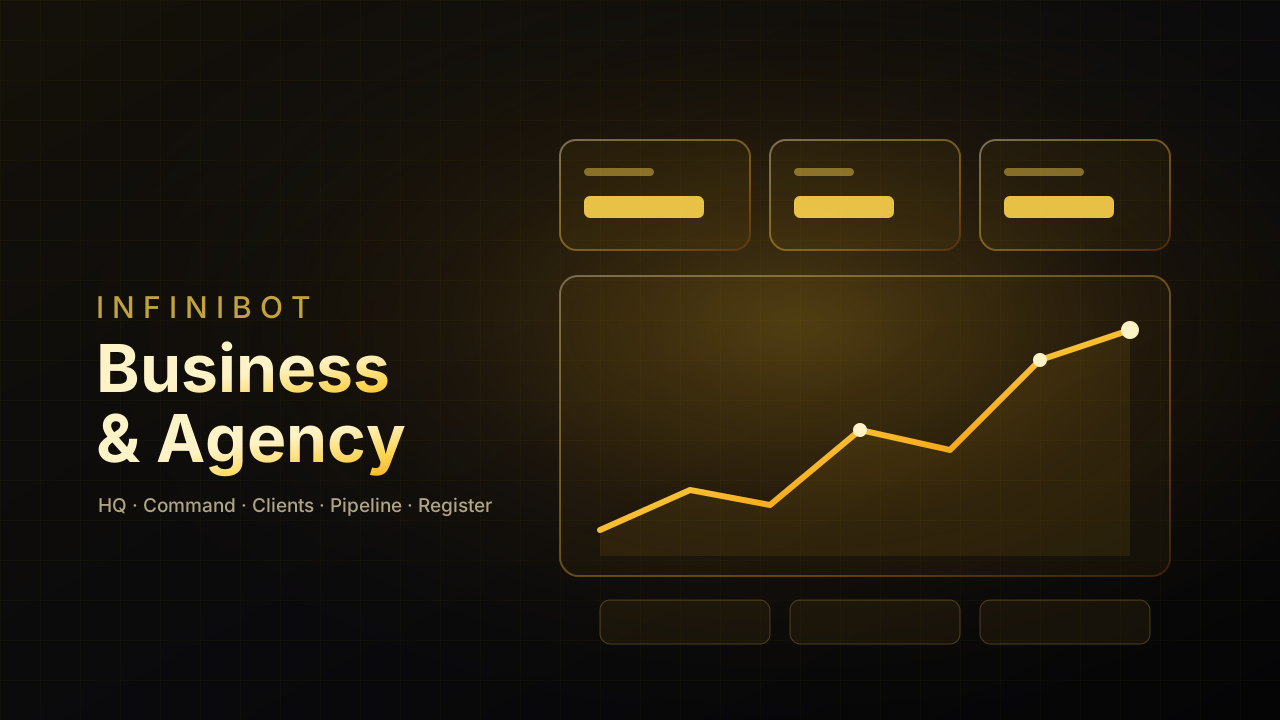
Run the business side of your AI OS — HQ, command center, clients, pipeline and agencies in one place.

InfiniBot First-party
Your library of spatial walkthroughs — browse, replay, narrate and share them.


InfiniBot First-party
Run your social content like a studio — pages per channel, reel intelligence, scripts and a CMO agent.

InfiniBot First-party
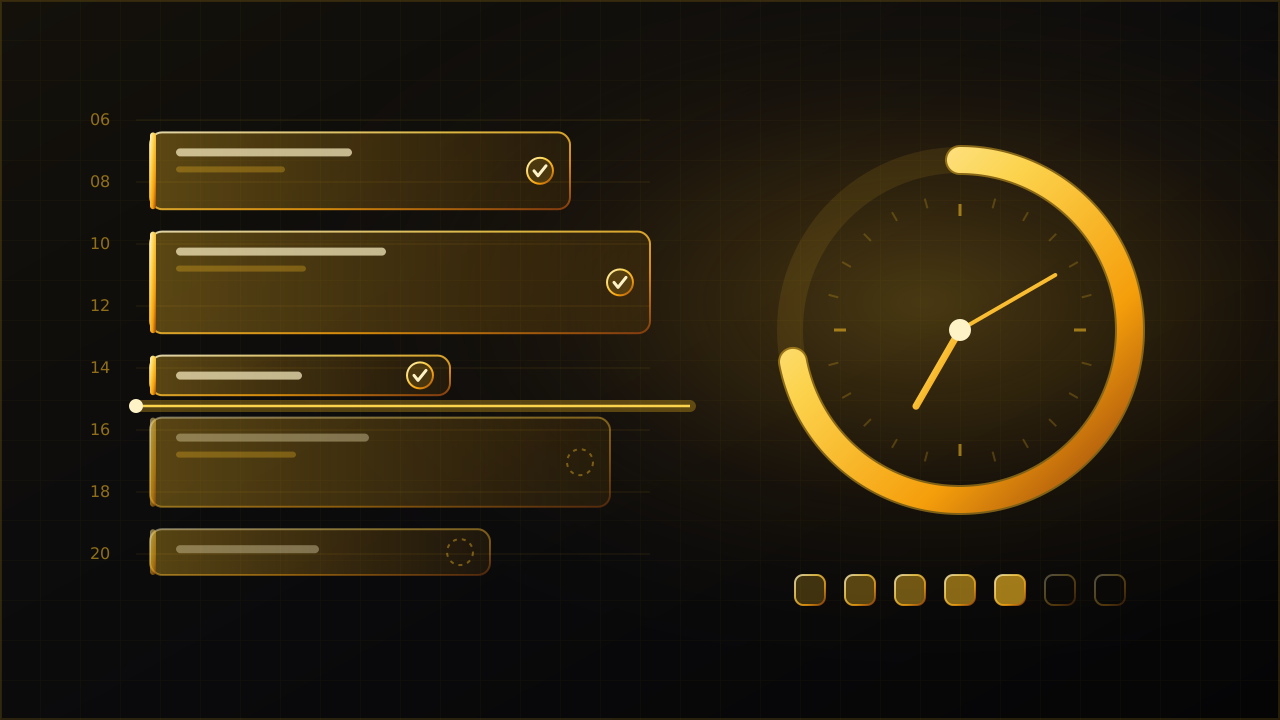
Plan your day in time blocks, keep your streak, and let your agents' work check the boxes for you.
InfiniBot First-party
Run a rack of Android phones from one console — devices, accounts, workflows and egress routes.


InfiniBot First-party
FlyPic's studio, library and models inside InfiniBot — connect your FlyPic account in one click.


InfiniBot First-party
Mission control for your servers — a live mesh map, fleet hardware and maintenance reports.


InfiniBot First-party
The Infinitrade Market Command Center for TradeLocker — terminal, journal, scanner, signals, research and market intel.


InfiniBot First-party
Doctor AI OS — a medical research feed, a cited research engine and clinic databases.
InfiniBot First-party
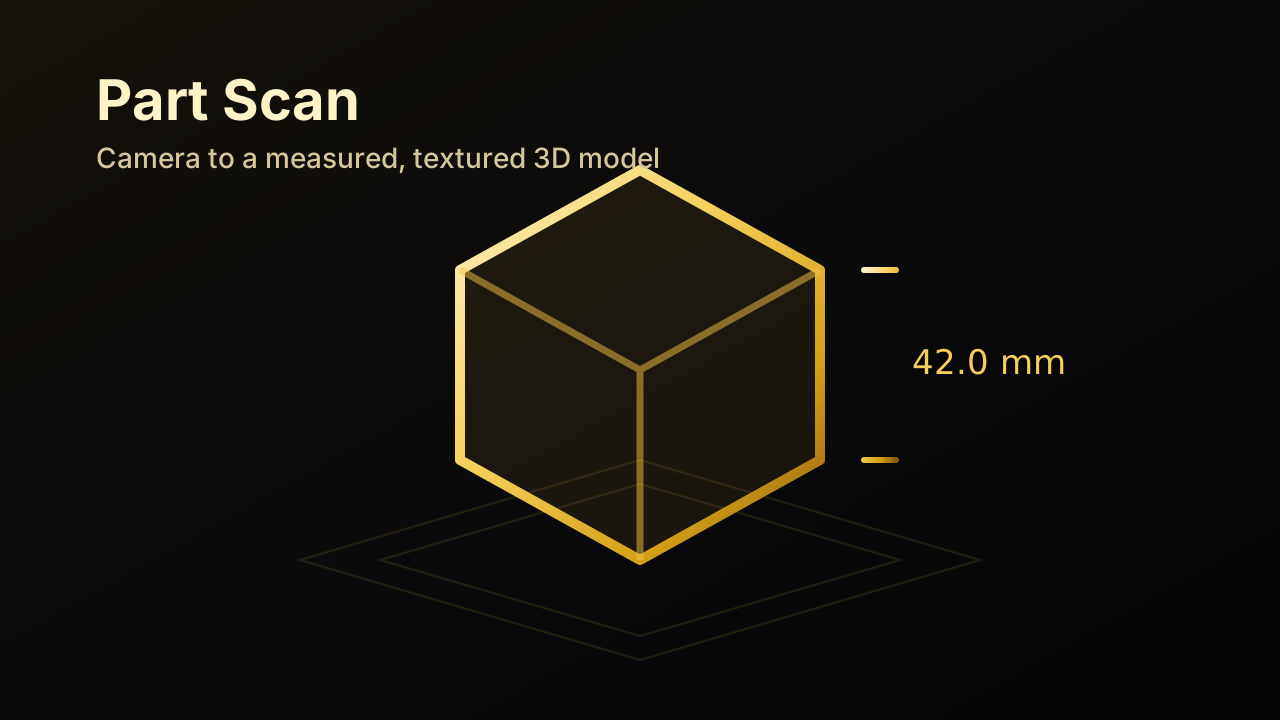
Scan a part with your camera and get a measured, textured 3D model.

InfiniBot First-party
Run inventory and product strategy from one focused workspace.


InfiniBot First-party
Give your agents a voice — Robovoice characters, pipelines and live calls.


InfiniBot First-party
The Solana command deck — charts, wallets, copy engine, launcher and on-chain intelligence.
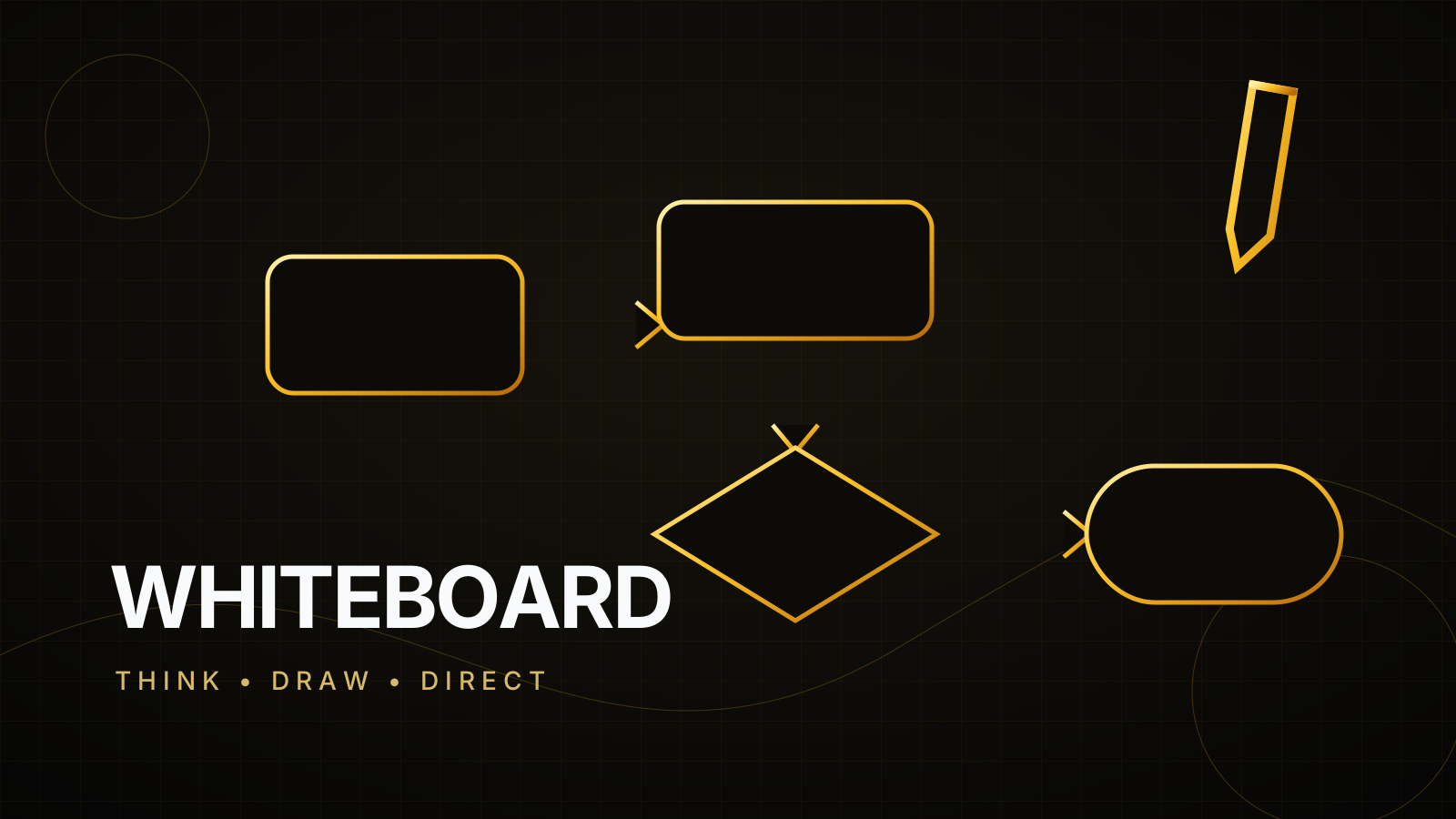

InfiniBot First-party
Sketch, diagram and let your agents draw on the same live canvas.
No plugins match those filters.
A plugin runs inside your workspace, so nothing reaches the marketplace without a review.
Uploads are validated and scanned, then a reviewer reads the manifest, the permissions and the code. New versions go through the same review.
Each listing shows the network hosts, files, secrets and gated capabilities the plugin asks for. High-risk ones stay off until you grant them.
InfiniBot downloads the zip from this site and verifies its sha256 before you review the permissions. InfiniBot's paid plugins are bought here; other publishers sell theirs on their own page.
Yes. Every plugin and every new version is checked by the InfiniBot team before it is listed. Uploads are validated and scanned automatically, then a reviewer reads the manifest, the requested permissions and the code.
Open the plugin page and choose Install in InfiniBot. Your workspace downloads the zip from the marketplace, checks its sha256 and shows you the permissions it asks for before it turns on. You can also download the zip and install it by hand.
InfiniBot's own paid plugins are bought right here: a one-time payment through Whop, then you download the zip or install it in InfiniBot from your purchase page, and you can come back to it any time. Plugins from other publishers are sold on the publisher's own page (Whop, Gumroad, a Stripe link); they deliver the plugin and you install the zip with Import plugin. There are no license keys.
Yes. Sign in, create a publisher profile and upload your plugin zip. Free plugins are hosted here; for a paid plugin you link your own purchase page and deliver it yourself.
List it in the marketplace. Free and hosted here, or paid through your own purchase page.